Lights, Camera, Customers: How to Shoot High-Quality Videos for Your Small Business
(Without a Hollywood Budget)
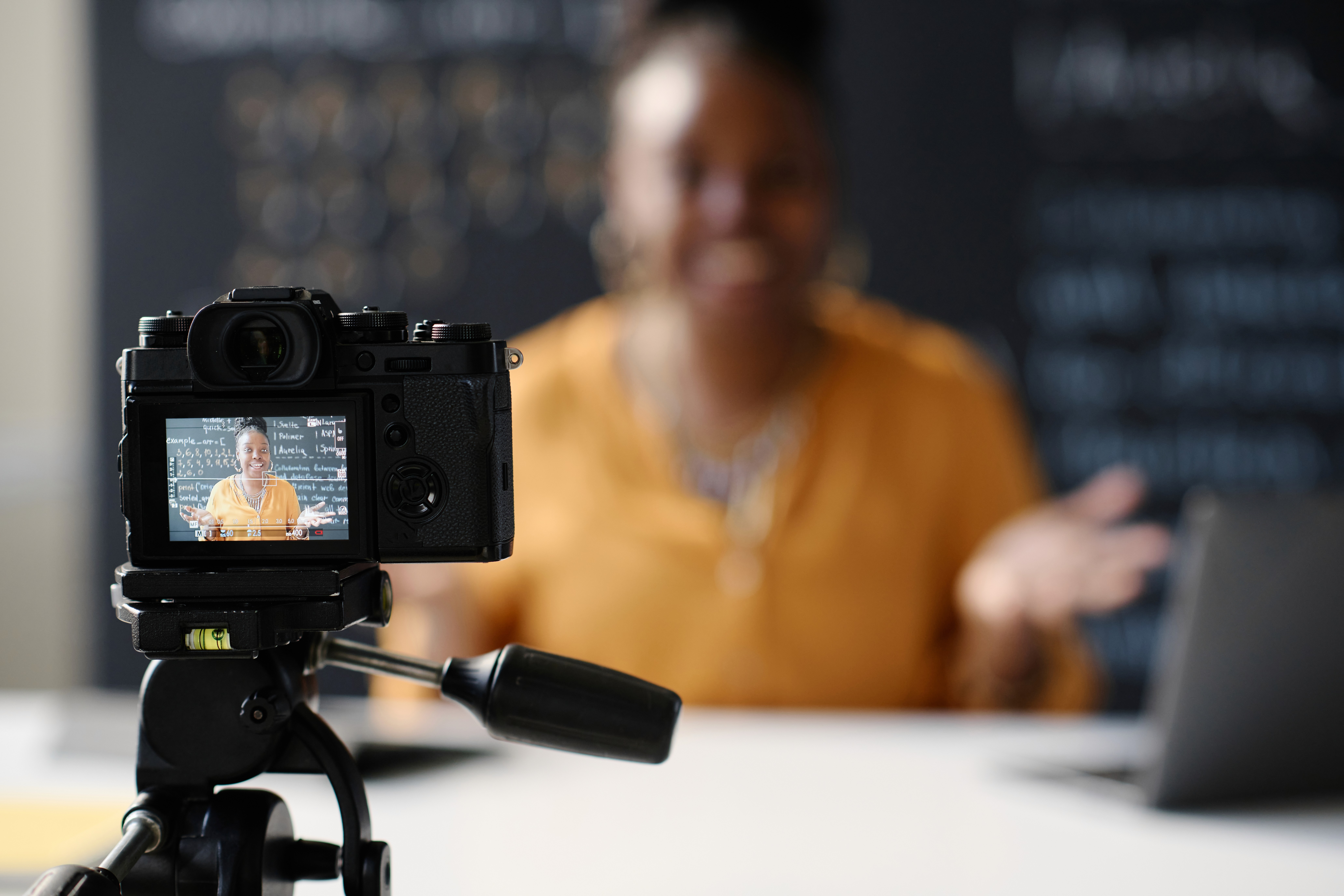
You don’t need a Hollywood-level budget to create videos that capture customers’ attention. You only need a smartphone and a few simple, guiding principles to get the job done. In today’s digital world video content is one of the most powerful tools for engaging potential customers, building brand awareness, and driving those ever-important sales. Whether you're showcasing a product, promoting your services, or sharing your business’s story, high-quality videos can make a big impact.
And yes, you can achieve professional-looking results without expensive equipment or years of training. Shadow + Light Creative, a creative services company based in Joplin, Missouri, is here to show you how.
Essential Gear for Budget-Friendly Video Production
While we can all agree that expensive high-end cameras and studio setups are ideal, you can get fantastic results using just a smartphone and a few affordable accessories. Here’s what you’ll need:
Smartphone:
Most modern smartphones shoot in high definition (HD) or even 4K and, with the right lighting, can look fantastic. It’s often said the best camera is the one you have with you. Why not use the one in your pocket?
Amount spent = $0
Tripod or Stabilizer:
Shaky footage is very distracting. A simple tripod or handheld stabilizer will make your shots look smooth and polished. Don’t have the budget for one, set up your phone on a table and prop it up with a book. Look around, and we’re sure you’ll find something.
Amount spent = $0-$50
Microphone:
This one is incredibly important! If you take nothing else from this post, heed this advice. Clear audio isn’t just as important as pretty video, it’s even more important. Think about this: You’ve probably sat through and tolerated a low-quality video in the past, but how often have you sat through a video where the audio was crunchy, or too low, or just plain bad? A budget-friendly clip-on lapel mic (or even wired earbuds with a built-in mic) can dramatically improve sound quality. If you’re going to spend money on anything, this is the place to do it.
Amount spent = $20-$150
Lighting:
Good lighting makes a huge difference in whether your visuals look amateurish or professional. However, just like other items on this list, you needn’t spend much (if anything at all). In the next section we’ll discuss tips for getting the best shot, whether you’re using natural light or affordable artificial lights.
Amount spent = $0-$100
Natural vs. Artificial Lighting: How to Get the Best Shot
Lighting can make or break the quality of your visuals. Here’s how to work with what you have or do it very inexpensively:
Natural Light:
This is by far the easiest and cheapest option. If you’re shooting indoors, position yourself or your subject near a large window to take advantage of soft, even light. Avoid direct sunlight, which can create harsh shadows and overexposed highlights. Sheer curtains, blinds, or even a translucent shower curtain can help diffuse the light, if needed. For outdoor filming, overcast days are ideal because clouds act as a natural diffuser, providing even lighting without harsh contrasts. If it’s sunny, try filming in shaded areas or adjusting your angle to avoid strong shadows.
Artificial Light:
If you’re filming in a dim space or at night, inexpensive LED ring lights or a small softbox can provide a clean, professional look. A ring light is great for close-up shots and talking-head videos, while softboxes help create a more cinematic effect by casting a soft glow over a larger area. Avoid using standard overhead lighting, as it can create harsh shadows under the eyes, making your subject look tired. If possible, adjust your artificial lighting so it’s positioned at slightly above eye level to create natural-looking highlights and shadows.
Golden Hour:
Want an extra special look? Try shooting just after sunrise or before sunset—often called the golden hour—for a warm, cinematic glow that flatters skin tones and adds a professional touch to any scene. The soft, golden light during this time eliminates harsh shadows and gives your videos a high-end aesthetic without requiring any special equipment. It’s a simple trick that makes a big difference in the overall quality of your footage.
Positioning in Relation to Lights/Sun:
Where you place your subject in relation to the light source can dramatically affect the look of your video. Lighting your subject from behind, especially with the sun or a bright window, can actually look great and help separate them from the background, as long as you also add some light to their face so they do not appear too dark. With natural light from a window, try placing the window slightly behind and to the side of your subject, then angle their face back toward the camera. This creates short side lighting, where the side of the face closest to the camera is a little darker, which adds shape and feels more natural than lighting the face straight on. When using artificial lights, placing the main light off to the side at about a 45 degree angle helps create depth instead of flat lighting. If shadows feel too strong, bouncing light off a nearby wall or using a simple white reflector, even poster board, can soften them for a more balanced shot.
Framing & Composition Techniques That Instantly Upgrade Your Visuals
You don’t have to be a professional cameraperson to create visual appeal in your videos. Keep these simple rules in mind:
Rule of Thirds:
Instead of placing your subject directly in the center of the frame, try using the rule of thirds to create a more visually appealing shot. Imagine your screen divided into a 3x3 grid. Positioning your subject at one of the intersection points can make the composition feel more balanced and dynamic. This technique is especially useful for interviews, product demos, or any scene where you want a more polished, cinematic look.
Eye Level Framing:
Keeping the camera at eye level (or slightly below) creates a more natural and engaging perspective. Filming from too high can make your subject look small or less authoritative, while filming from too low can feel unflattering or intimidating. If you’re shooting with a smartphone, prop it up on a stable surface or use a tripod to maintain the right angle.
Clean Backgrounds:
A clutter-free background helps keep the focus on your subject and makes your video look more professional. Avoid standing directly against a wall. Instead, position yourself a few feet away to create depth. Pro tip: The farther your subject is from the background, the more blurred the background will appear, creating a cinematic effect that makes your subject stand out.
Headroom & Spacing:
Be mindful of how much space you leave above your subject’s head. Cutting off the top of their head feels cramped, but too much empty space can look awkward. A good rule of thumb is to leave a small gap above the head while framing the lower part of the shot just above a major joint (like the elbows, wrists, or hips). This subtle trick ensures a well-balanced frame that feels natural and visually appealing.
Keep the Shot Level:
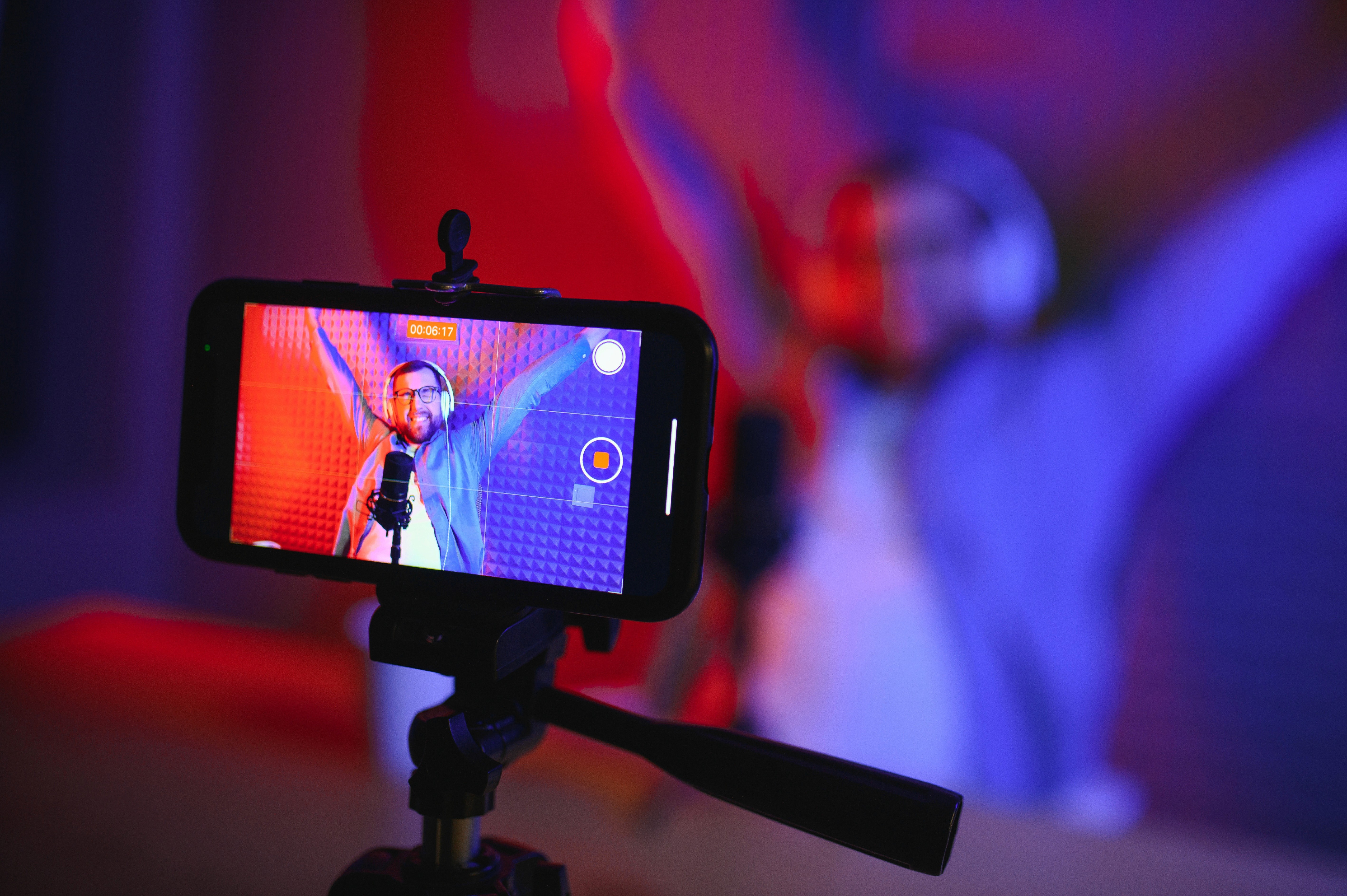
A tilted shot can be distracting and make your video look unprofessional. Make sure your camera is level with the horizon. You can use the built-in grid feature on your smartphone phone or camera to help. A straight, balanced shot helps maintain a clean and polished look.
Simple Editing Tricks to Make Your Videos Look Professional
Video editing doesn’t have to be complicated! A few easy tweaks can instantly improve your video’s quality:
Trim the Fat:
Cut out long pauses, mistakes, or unnecessary sections to keep your video engaging. Ums, uhs, and long pauses will make your video seem dull and uninteresting. Practice what you want to say, and say it with energy and confidence.
Use Simple Transitions:
Stick to clean, straight cuts or quick, simple fades/dissolves between shots. Fancy transitions are distracting and should rarely, if ever, be used. Just because they are available in the software, doesn’t mean you have to use them.
Adjust Brightness & Color:
Most editing apps let you tweak brightness and contrast to make your footage pop. Make sure your skin tones look natural. No one will take your video seriously if the subject looks like a Smurf or the lighting is too dark to really see them.
Add Captions:
Many, if not most, people watch videos without sound on social media, so having captions over the video can greatly increase viewership. Make sure the text uses a simple typeface and has plenty of contrast to be read over the background. Free tools like CapCut or Clips make adding captions easy.
Use Background Music:
Soft instrumental music can add polish and keep viewers engaged. Keep the volume low, and be sure to use royalty-free tracks so you don’t get dinged by the copyright police! YouTube has a large library of copyright-free, royalty-free tracks to explore.
DIY Video Production vs. Hiring a Pro
Creating videos on your own is an affordable and fun way to market your business or organization. But if you don’t have the time, patience, or desire to invest in learning video production, we’ve got you covered.
At Shadow + Light Creative, we specialize in high-quality, cinematic video production for businesses and organizations. Whether you need a polished commercial, a brand story, or eye-catching social media content, we take care of the details so you can focus on running your business.
Want to take your video production to the next level without the hassle? Contact Shadow + Light Creative today, and let’s bring your vision to life!